3D that steps out
of the LED wall.
Off Axis Lab makes Blender tools for anamorphic content. Enter the size of the real screen and where the audience stands. The plugin builds the camera, the room and the render.
An anamorphic screen is a window that only works from one spot. We build the tools that find it.
Anamorphic Screen Kit
A Blender plugin. Three inputs in, one LED canvas out.
Describe the real screen
Width, height and LED pitch in millimetres. Flat, corner, rounded corner or curved.
Place the audience
Set the distance and eye height. The plugin builds the camera and a virtual room behind the screen.
Render the LED canvas
Animate inside the room, then render one file at the exact pixel size of the wall.
Four screens,
four builds.
Each one is filmed step by step, from an empty Blender scene to the final shot, in about 80 seconds.
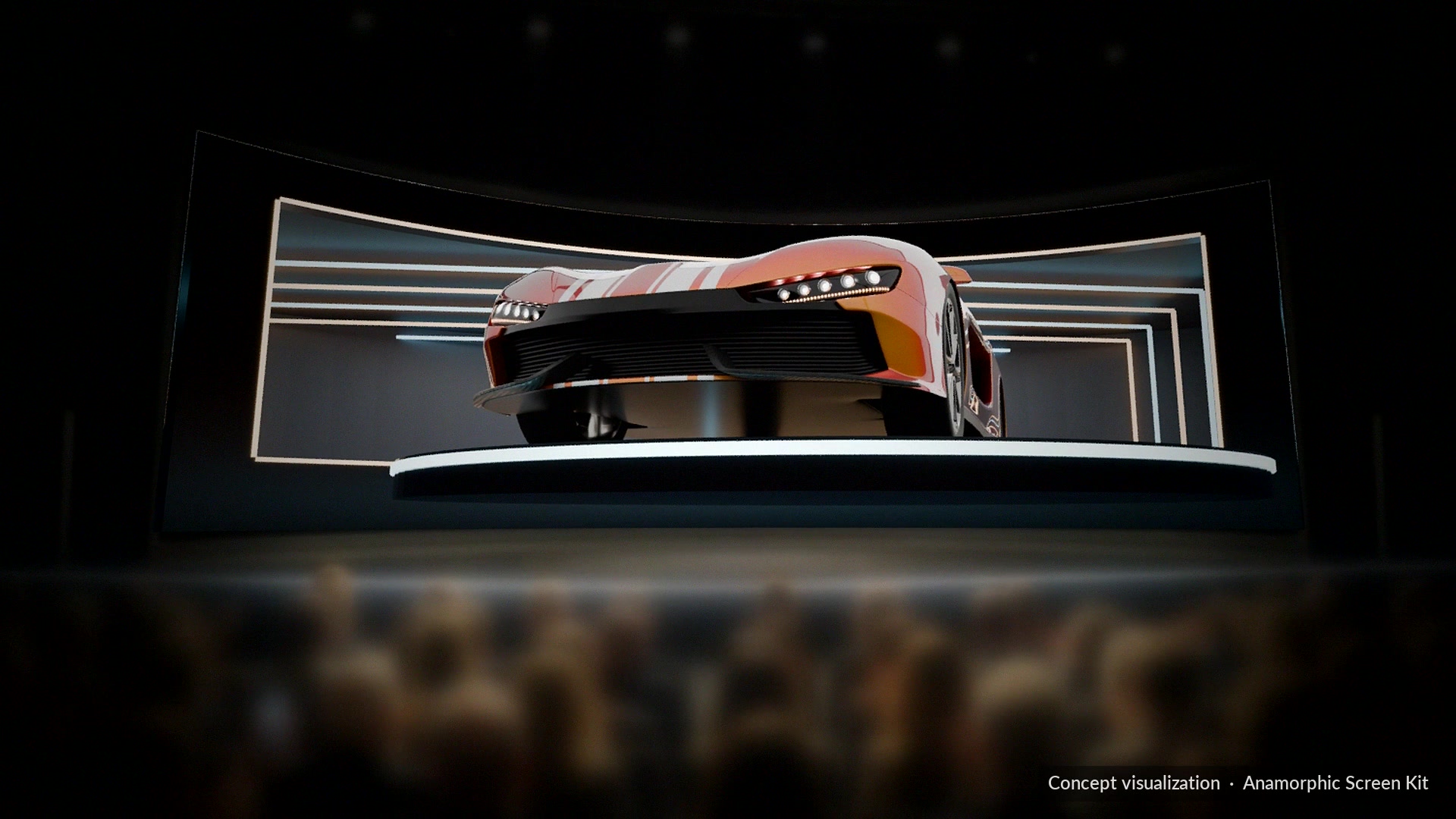
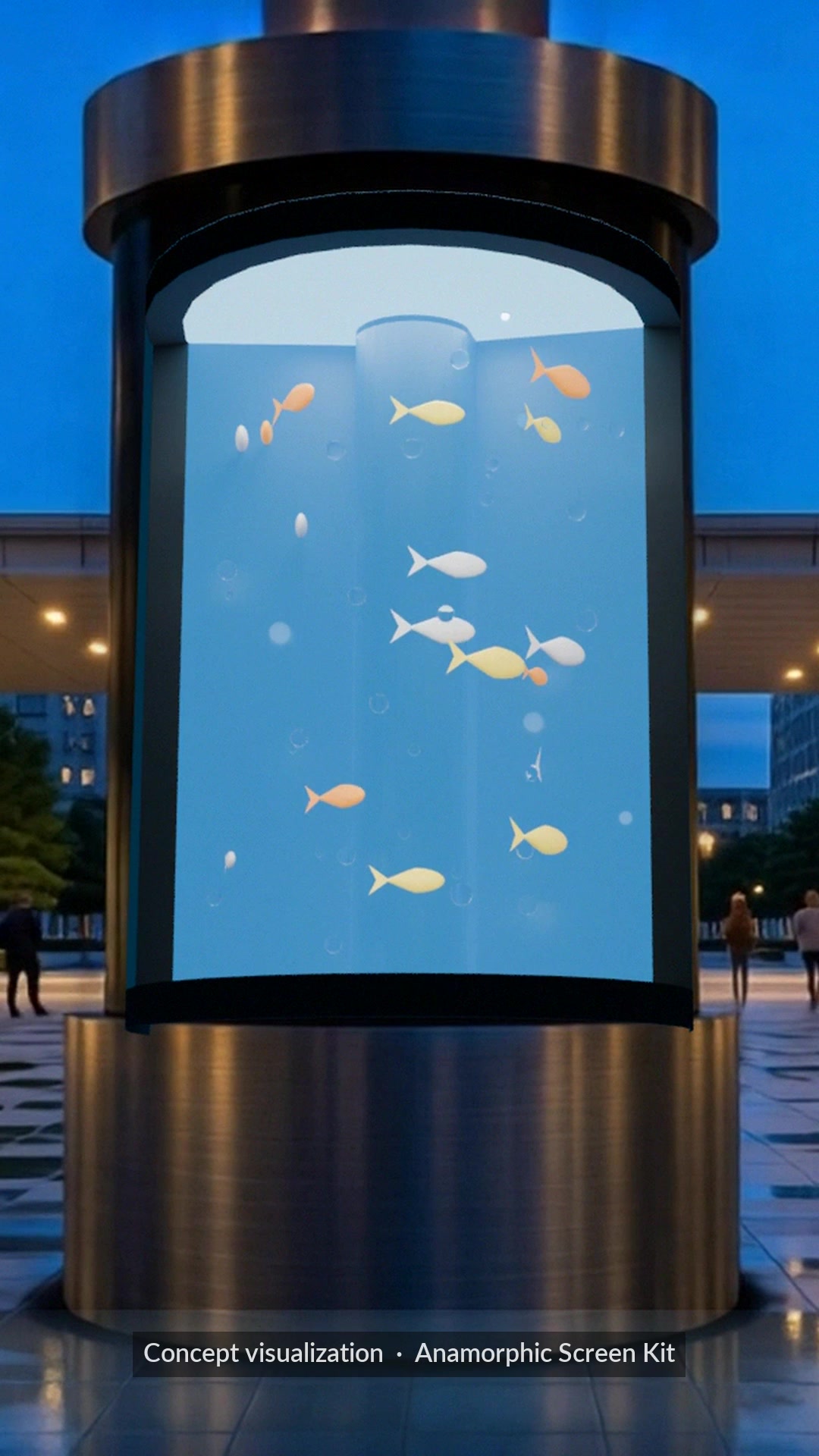
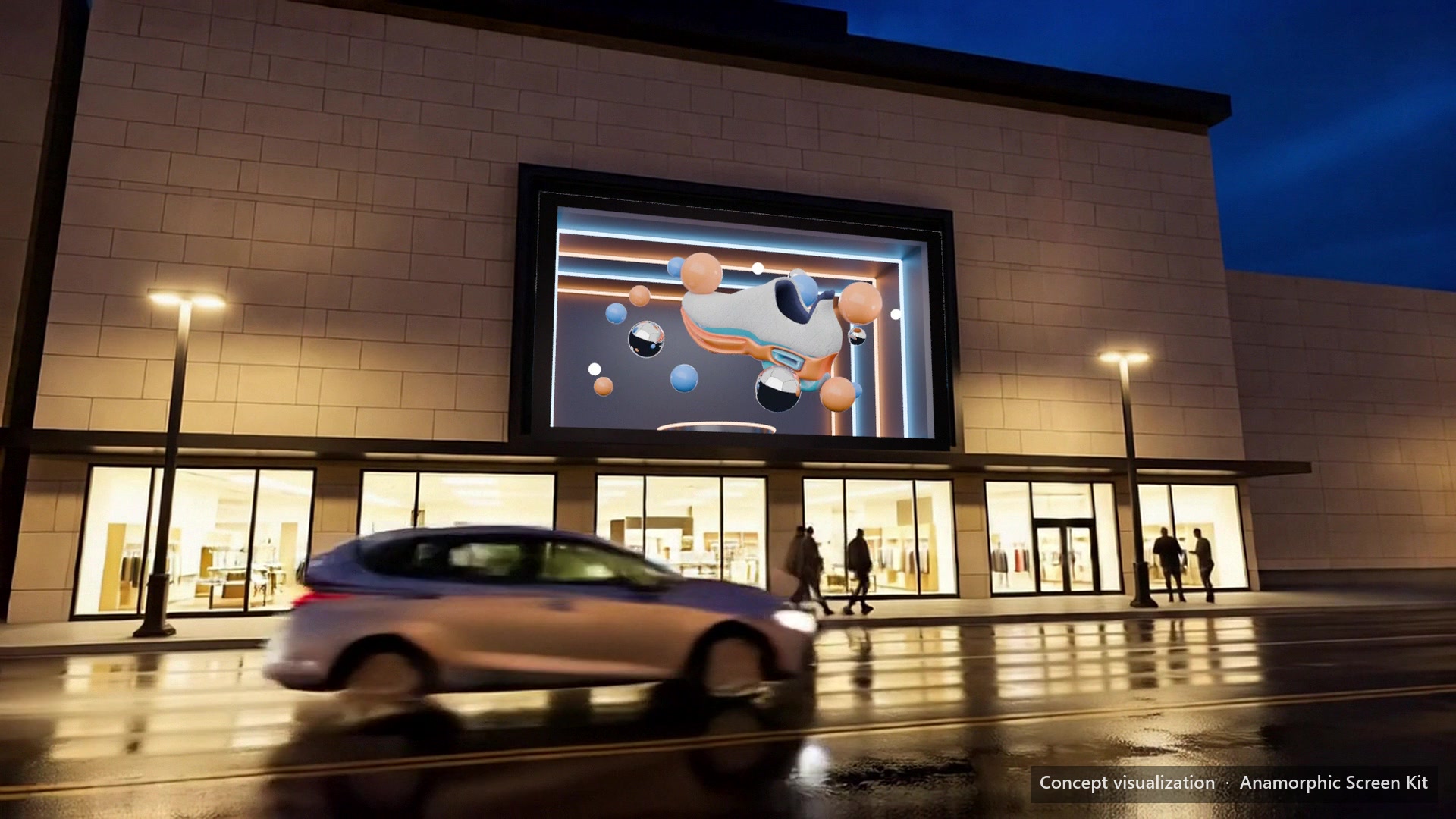
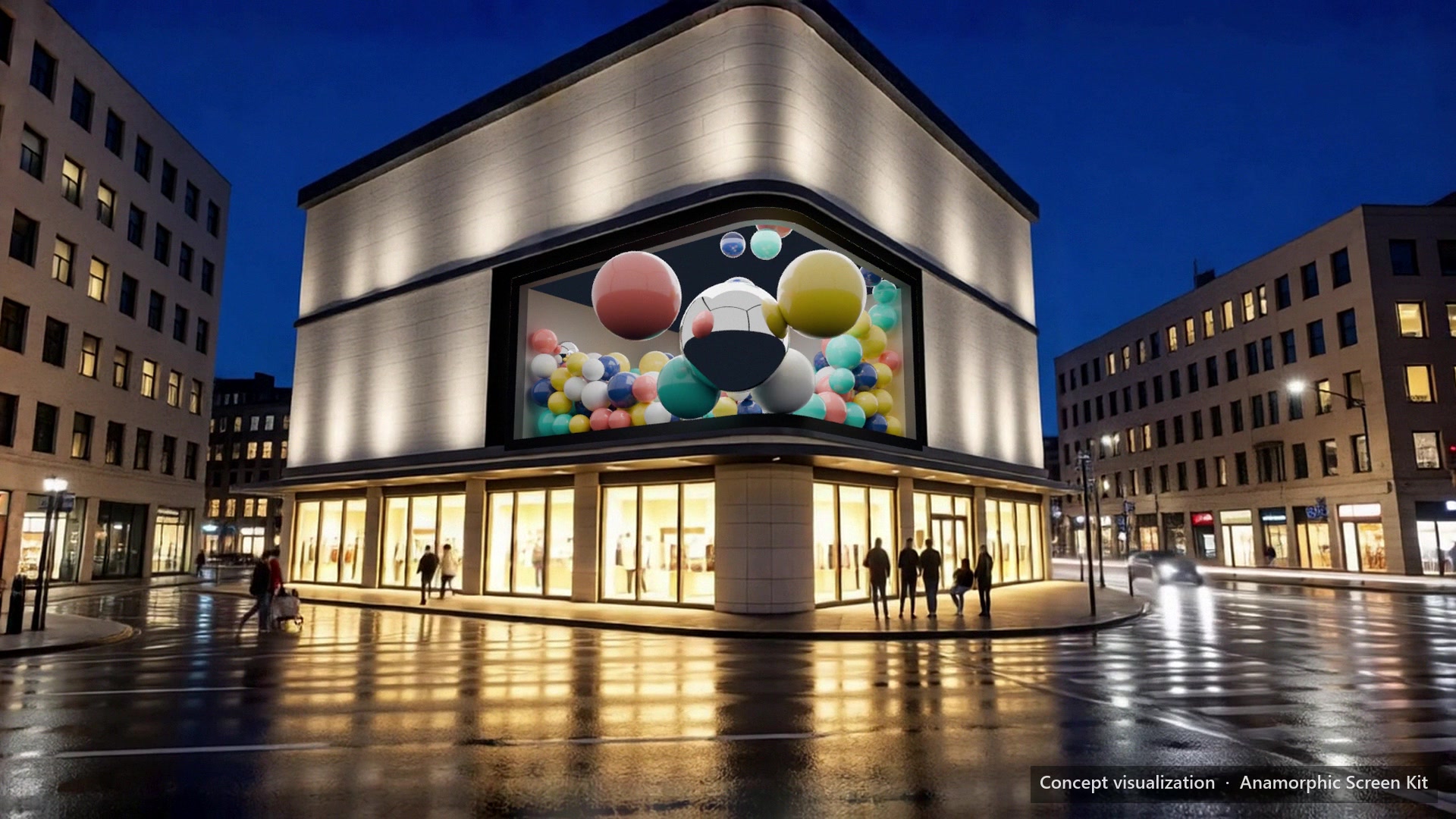
The streets, stage and crowds are concept visualizations. The screen content is rendered in Blender with the plugin.
Try it on a flat screen first.
Free demo
GitHub- Flat screens of any size
- The full guided setup
- Daylight lighting preset
- Still renders, with a watermark
Full version
Superhive- Everything in the demo
- Corner, rounded corner and curved screens
- Animation renders, no watermark
- All lighting presets
Questions
Do I need the real dimensions of the screen?
Yes. You enter the size in millimetres and the LED pitch, and the canvas resolution is worked out from them. Presets cover common setups if you only want to experiment.
What can I do with the free demo?
Set up a flat screen from start to finish and render watermarked stills. It is enough to check that the workflow fits your project before you buy.
Where do I get the full version?
It has been submitted to Superhive and is waiting for review. The link will appear on this page when it is approved.
What is the license?
GPL 3.0 or later, like Blender itself.
Who is behind Off Axis Lab?
Nader. He builds the tools he needs for LED content, stage design and interactive installations, then shares how they work.