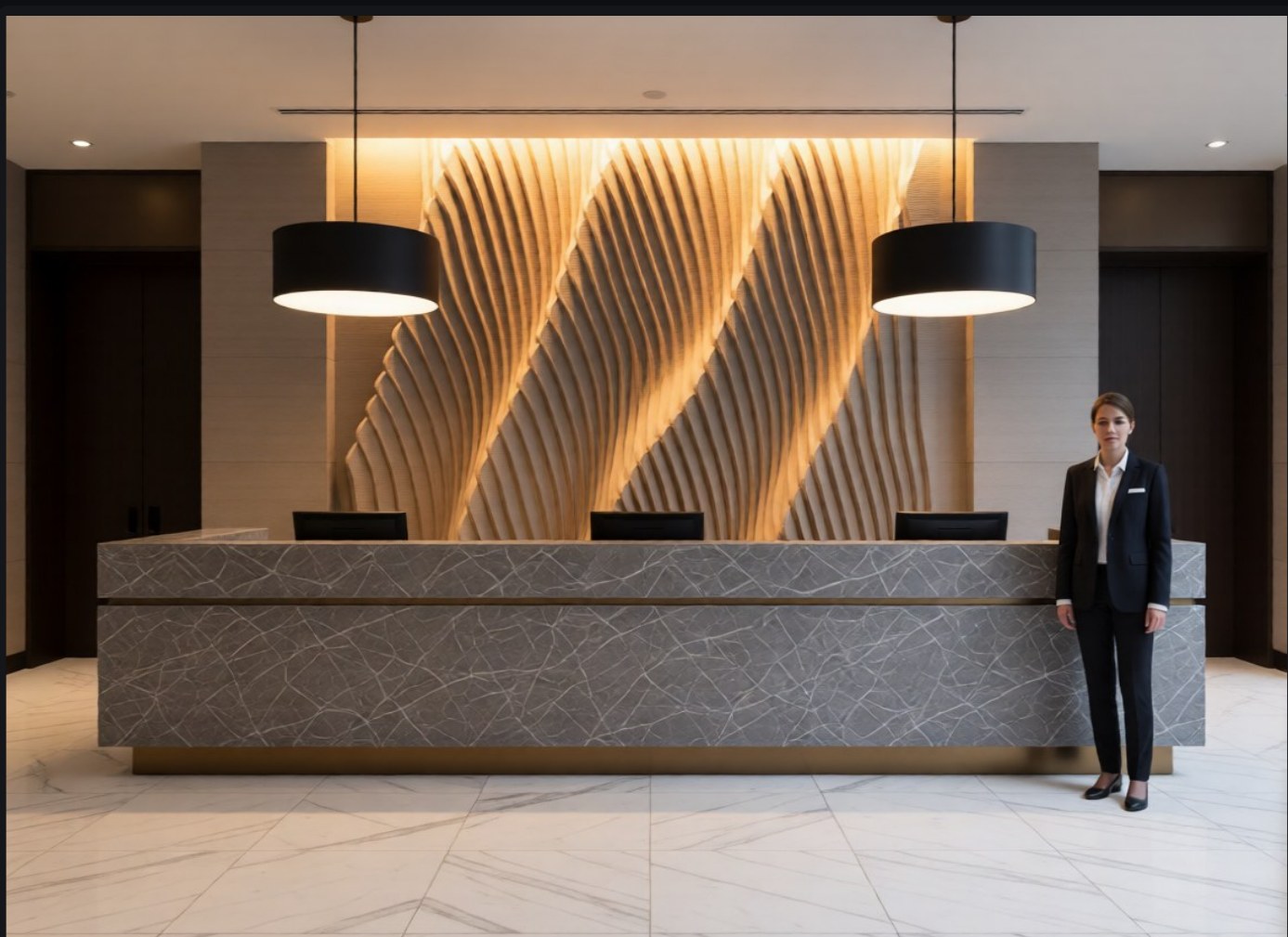
A wall you shape,
and the cut files
that follow.
Parametric Slat Wall keeps the design and its cut sheets as the same object. Change the wall and the sheets change with it.
Design it once. The workshop gets exactly what you drew.
Four ways to give it a relief
The depth of every board comes from an image. How you make that image is up to you.
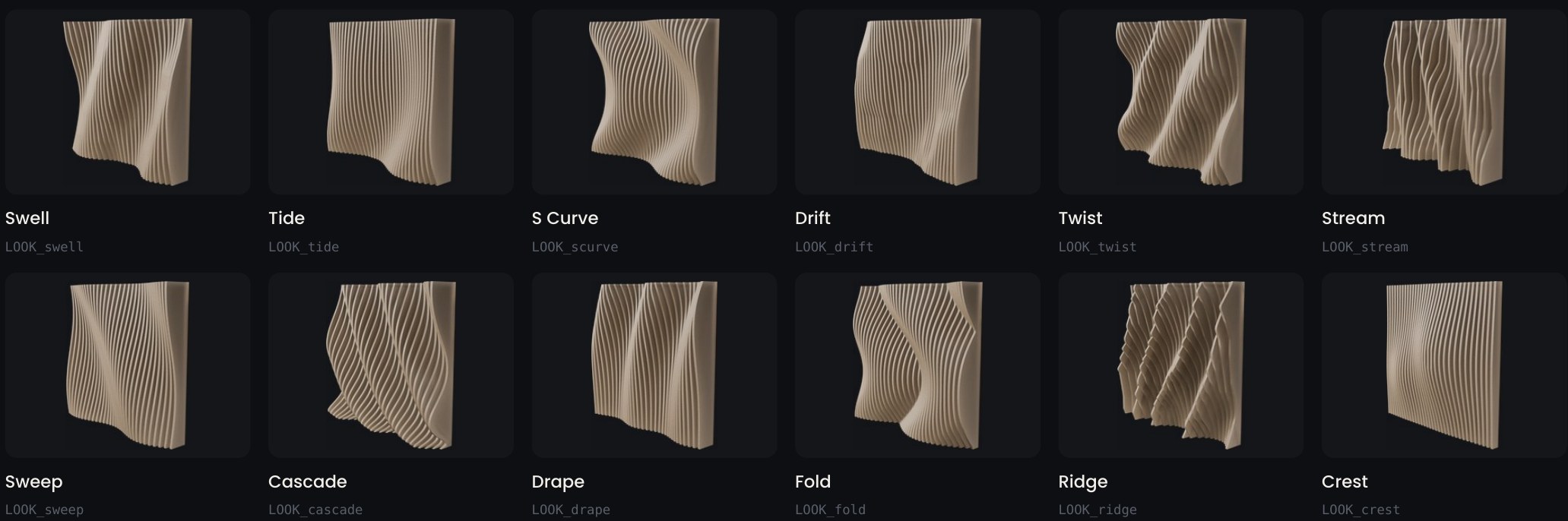
Twelve looks, one click each
Each look is a heightmap shipped with the plugin, so the pattern holds at any board spacing.
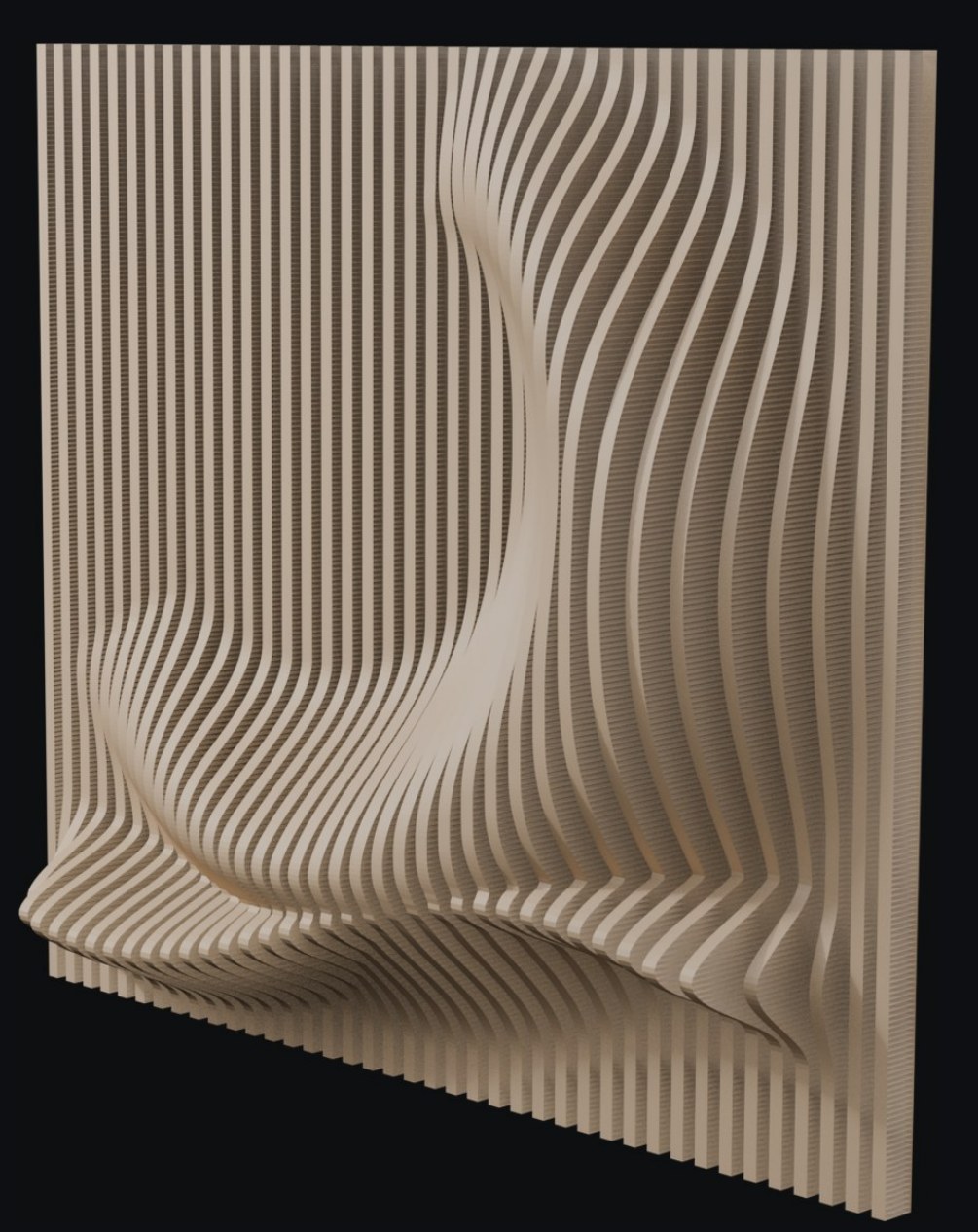
Paint the depth by hand
The plugin builds a canvas in front of the wall. White lifts a board, black leaves it flat.
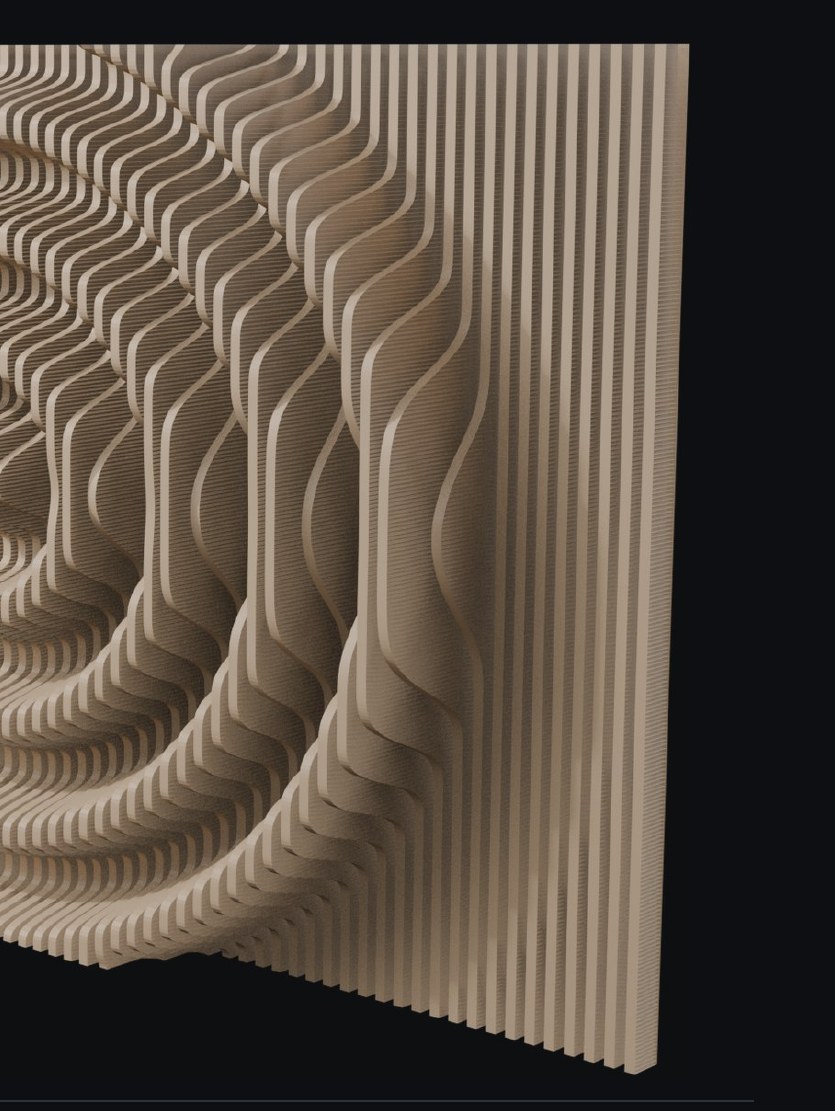
Turn a drawing into a wall
Direct mode reads brightness as depth. Right for a logo, a pattern or anything you can paint in white.
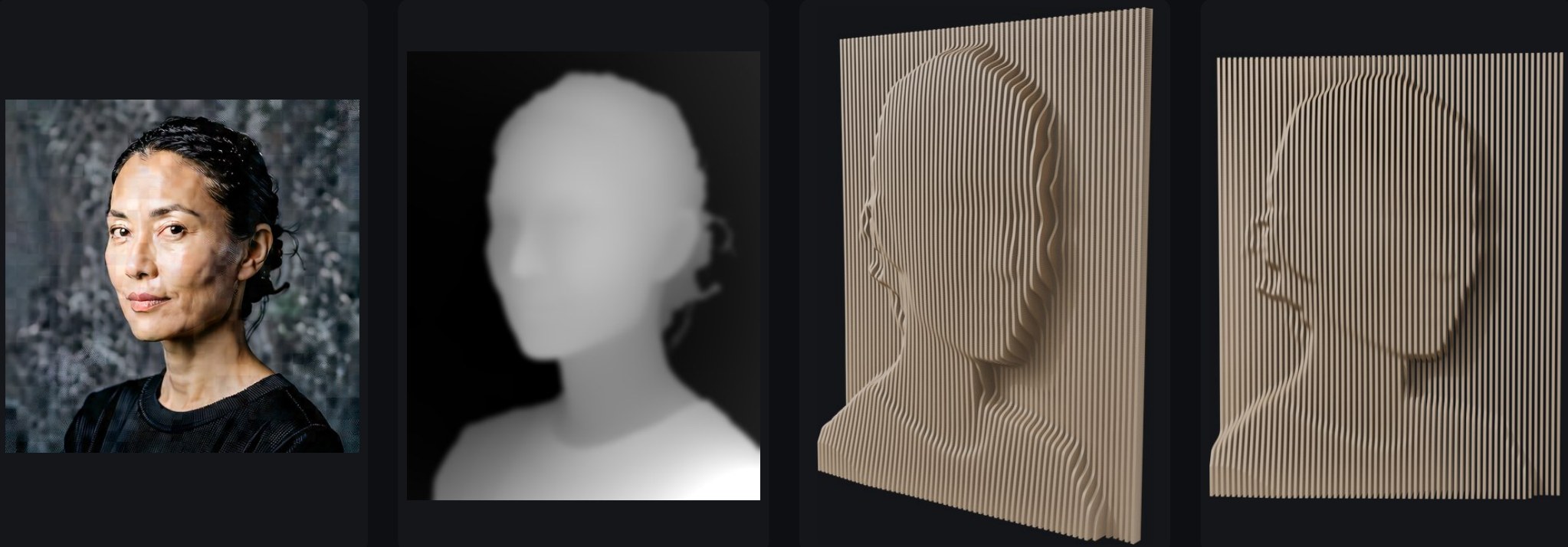
Turn a portrait into a wall
Any image goes to ComfyUI on the same machine, comes back as a depth map and plugs into the wall.
It bends, and it slices
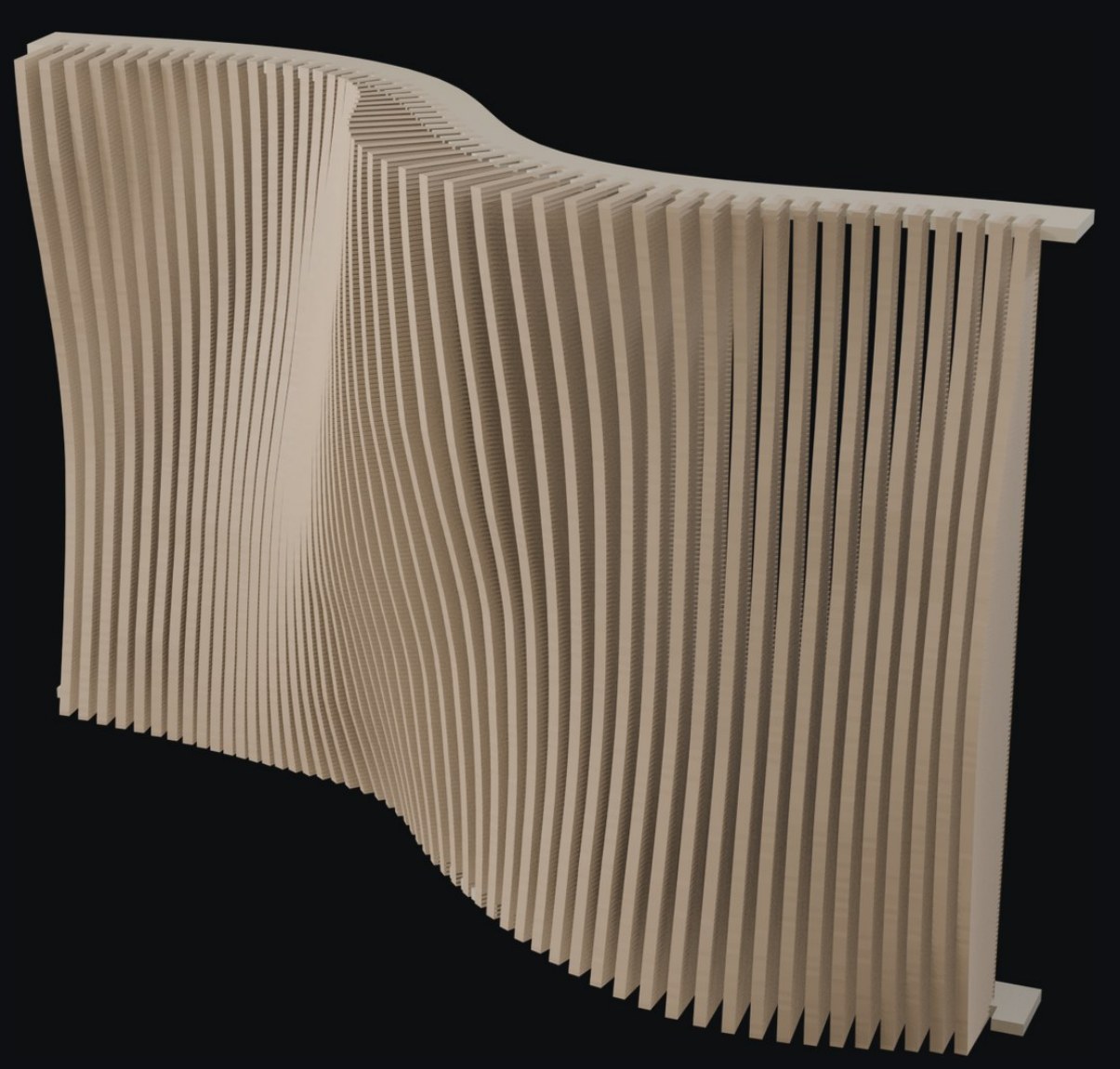
A wall that follows the floor
Add a path curve and each board moves to stand on it. The boards do not change, so the cut files stay the same parts.
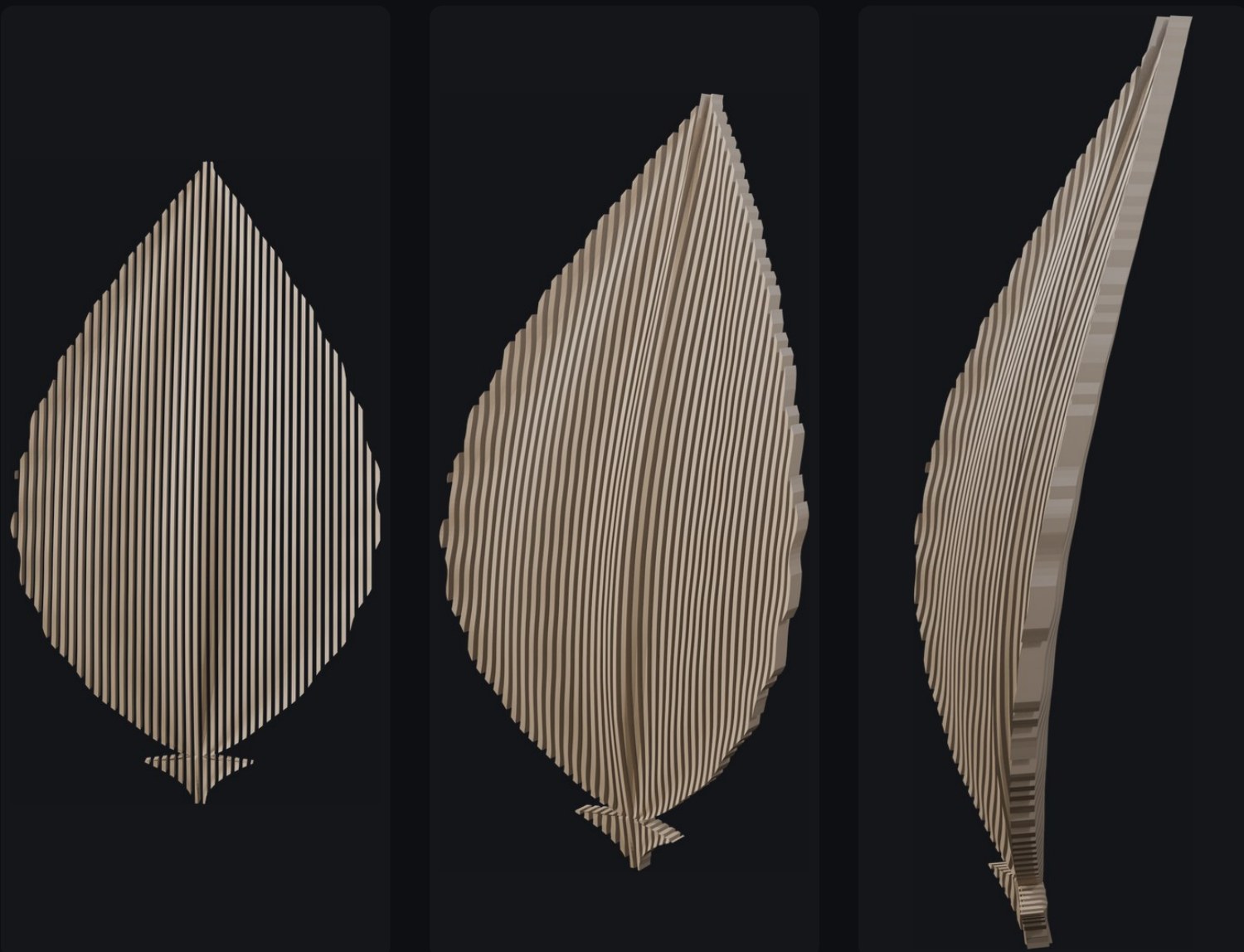
Slice any object into boards
A second generator takes a mesh instead of an image. This leaf is 57 boards on an 18 mm pitch.
What comes out
One button. The sheets are sliced out of the same mesh you are looking at.
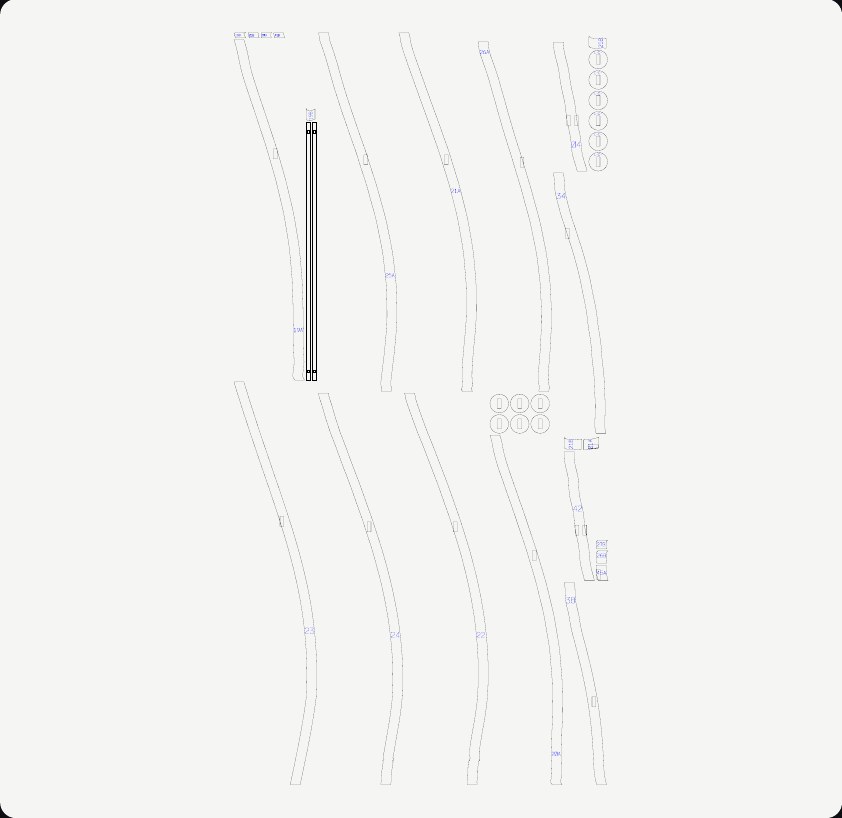
- SVG
- One file per sheet, with separate cut and engrave layers.
- DXF
- The same geometry as polylines, for machines that will not read SVG.
- CSV
- A cut list with sheet, part, width and height in millimetres.
- Numbering
- Every part is engraved with its real position in the wall.
- Kerf
- 0.2 mm compensation in every slot.
- Checks
- The export refuses a wall that cannot be assembled, and names the piece.
Where it could go
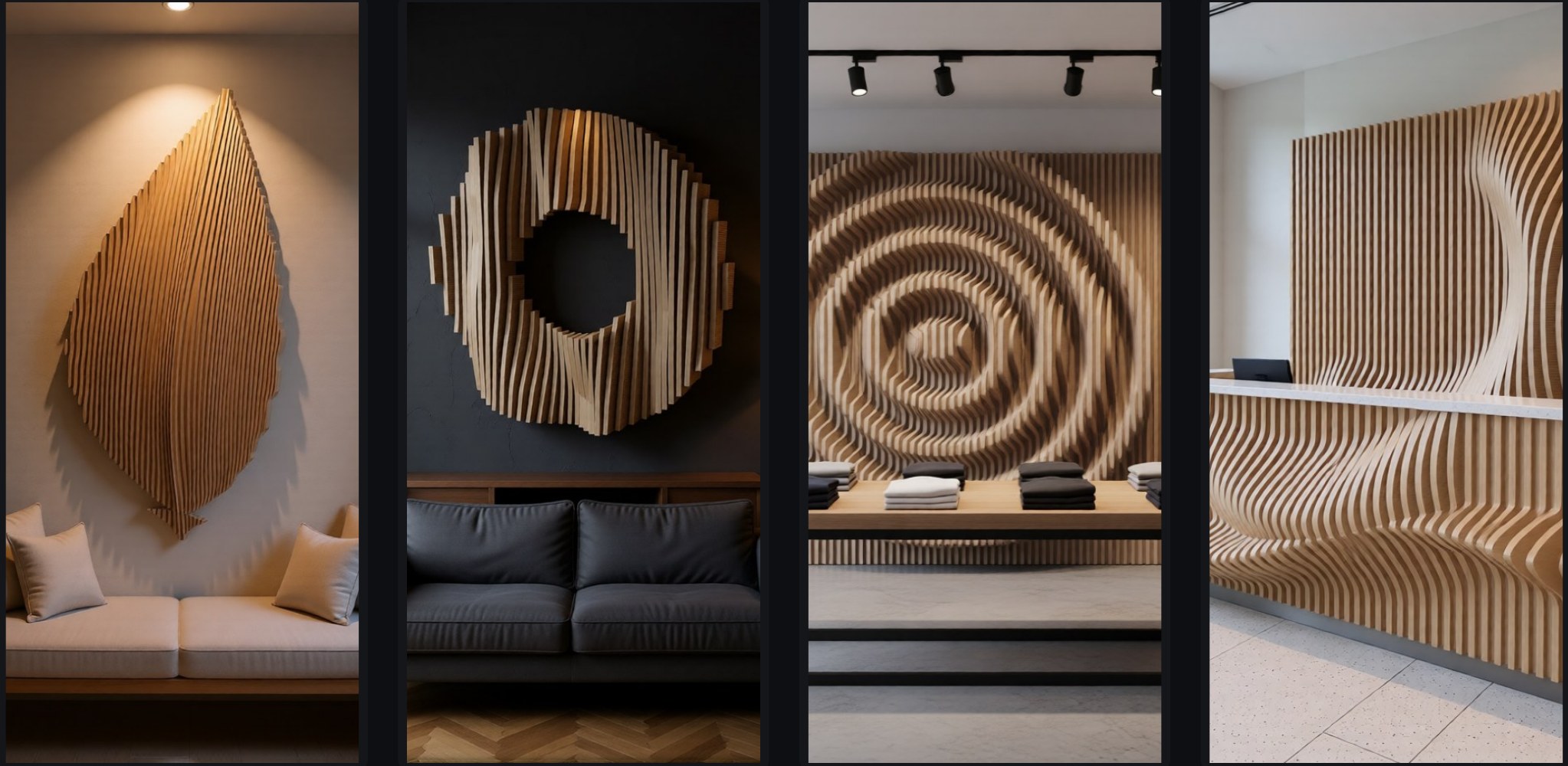
The rooms are generated around the plugin's own renders. The walls are the real models.
Where it stands
The plugin works from the first wall to the exported sheets. It is not for sale yet, and the files still have to be proven on a real machine.
- Blender
- 4.5 and later, with a legacy build for 4.0 to 4.4.
- Mounting
- Rails, comb, back plate or rods, picked for you.
- Status
- In development.
- Contact
- contact@offaxislab.com