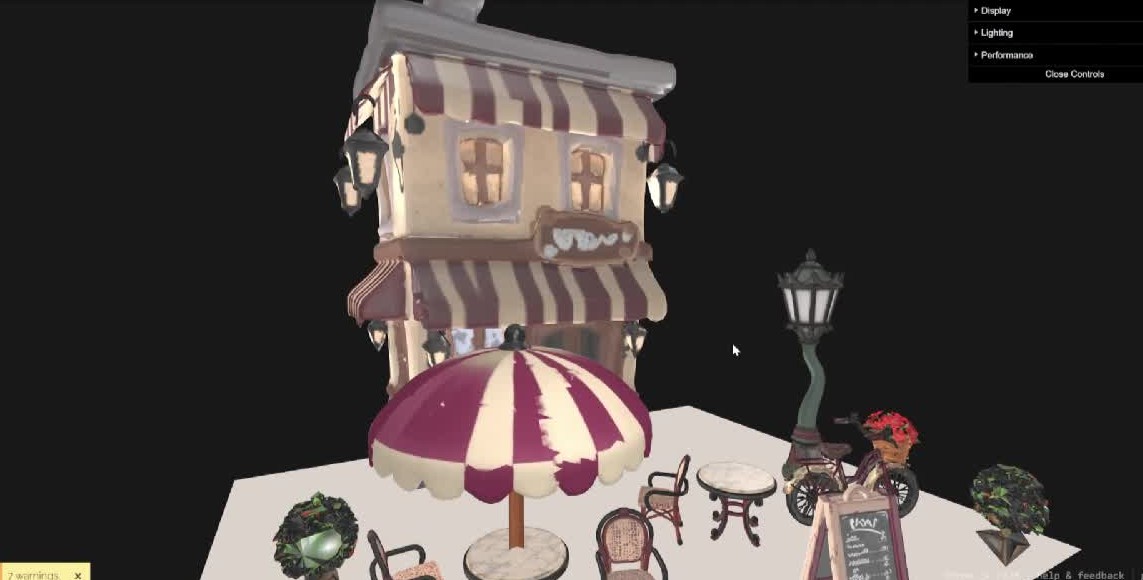
From one sentence
to a game ready scene.
A method, not a product. ComfyUI, TRELLIS and Blender chained together and driven by Claude through MCP.
Describe it. Pick one of four. Get a GLB.
Five steps, one conversation
Every image on this page comes from one run: a bistro scene with its props.
I want to create a pixar style bistro
That is the whole brief. Claude asks which props the scene needs, then starts.
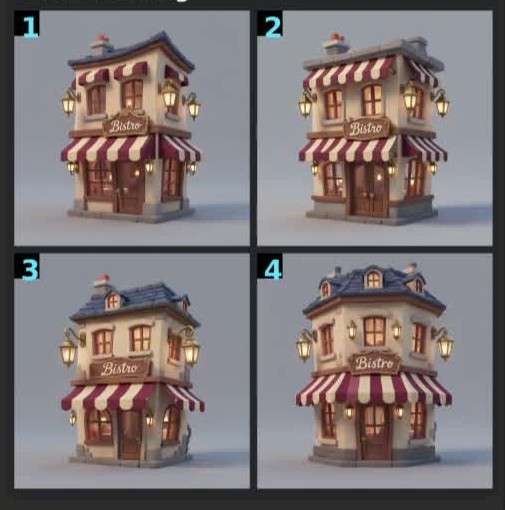
Four concepts per asset
ComfyUI generates four proposals for every asset in the scene. You pick one of each.
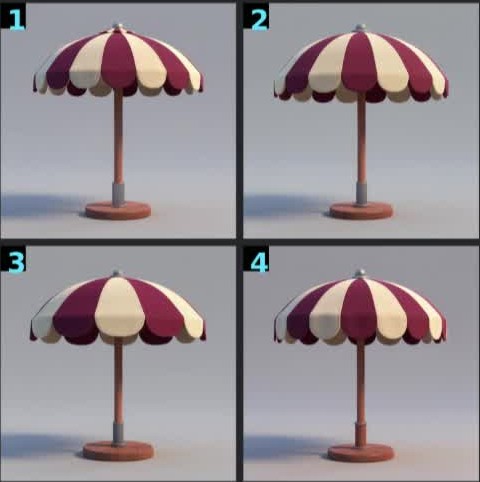
Down to the props
The parasol, the table, the chair and the lamp each get their own four options.
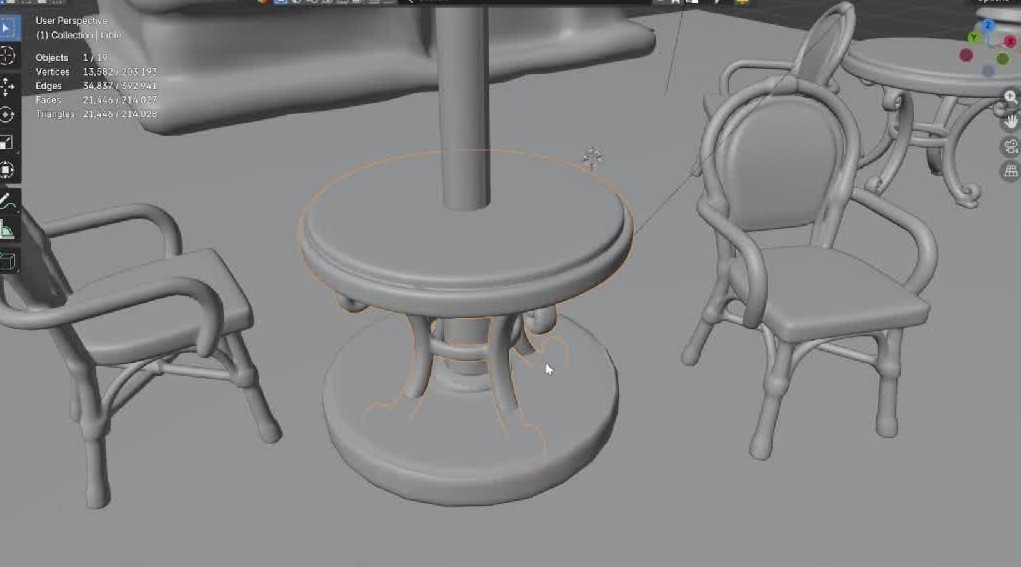
Image to 3D
TRELLIS turns each chosen image into a mesh, which lands in Blender on its own.
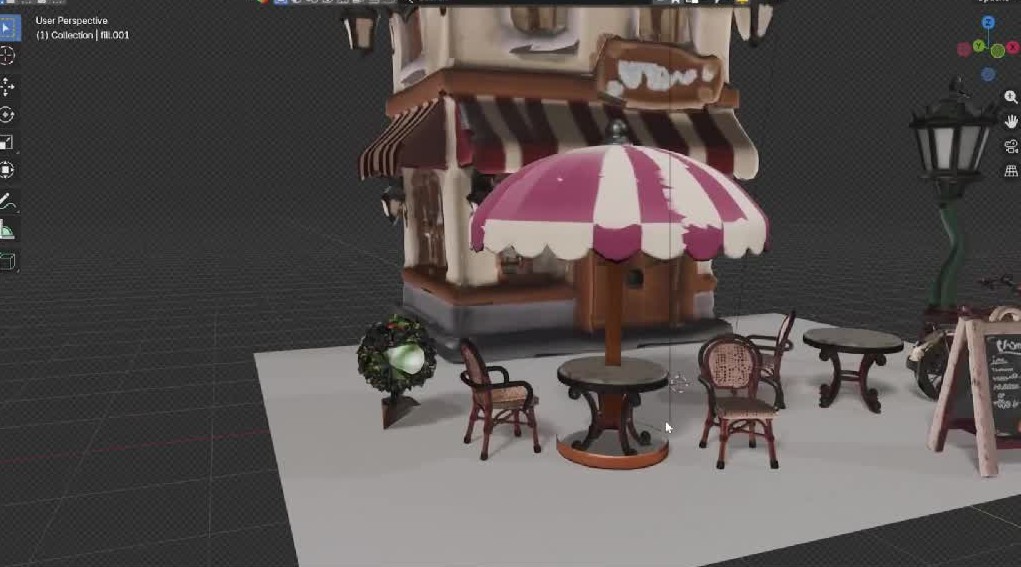
Remesh, bake, place
Blender rebuilds the topology, bakes the textures, then scales and places every asset in the scene.
Export one GLB
The scene leaves as a GLB file, ready for Unreal Engine, Unity or any viewer.
What you need
Everything that generates or builds runs on your own machine, with free tools.
- Images
- ComfyUI with a free image model.
- 3D
- TRELLIS, running in ComfyUI.
- Cleanup
- Blender, for remesh, bake and layout.
- Glue
- MCP servers for ComfyUI and Blender.
- Driver
- Claude, which runs the steps in order.