Move your hands.
The rig follows.
A webcam tracks your hands, TouchDesigner turns the movement into DMX values, and the lights of a virtual stage in Unreal Engine respond live.
Rehearse the light show before a single fixture is hung.
The signal chain
Four links, all running live on one machine.
- 01 · Input
Webcam
An ordinary camera pointed at you. No gloves, no sensors.
- 02 · Tracking
Hand tracking
TouchDesigner follows the position of your hands in the image.
- 03 · Protocol
DMX values
The movement becomes the same channel data a lighting desk would send.
- 04 · Output
Unreal Engine rig
The moving heads of the virtual stage read those channels and follow.
One stage, driven live
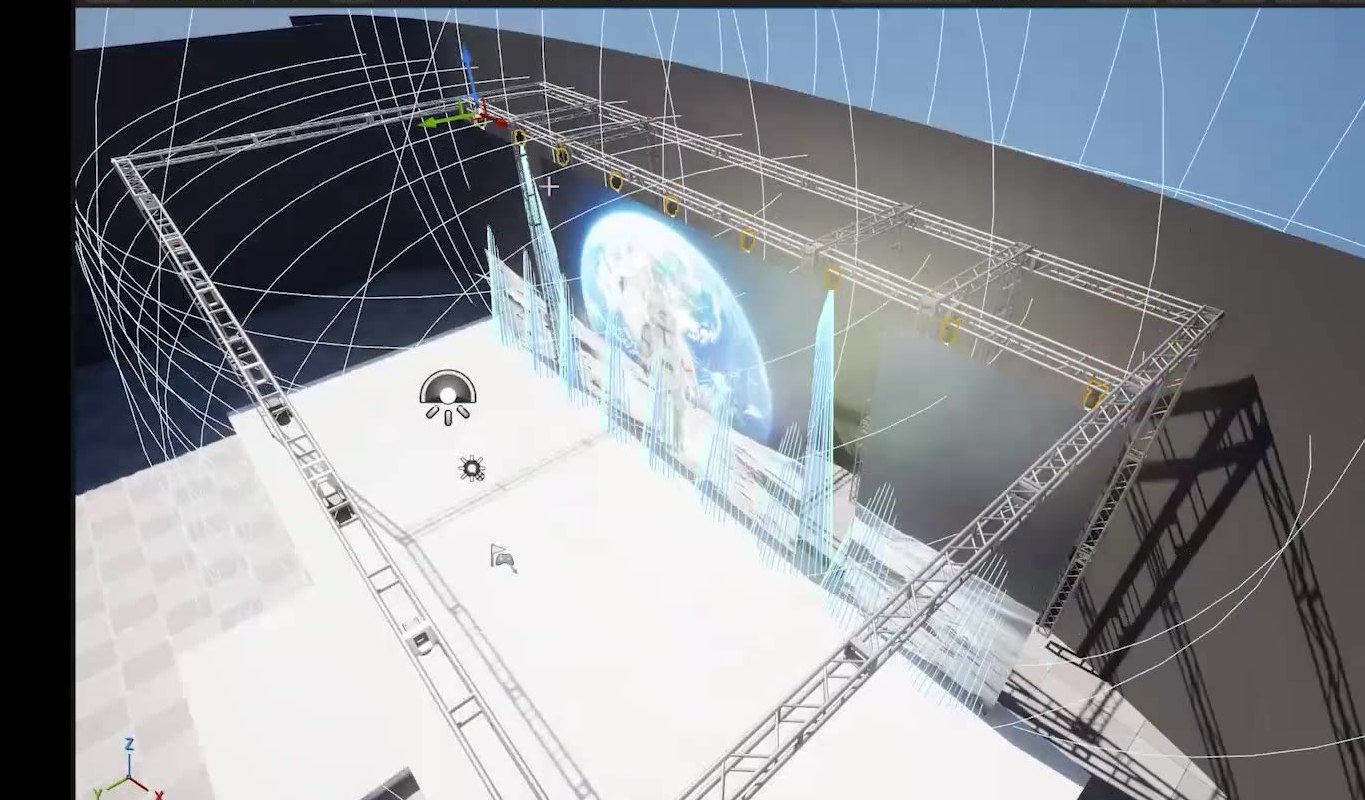
Built in Unreal Engine
Truss, three LED screens and rows of moving heads, laid out like the real rig.
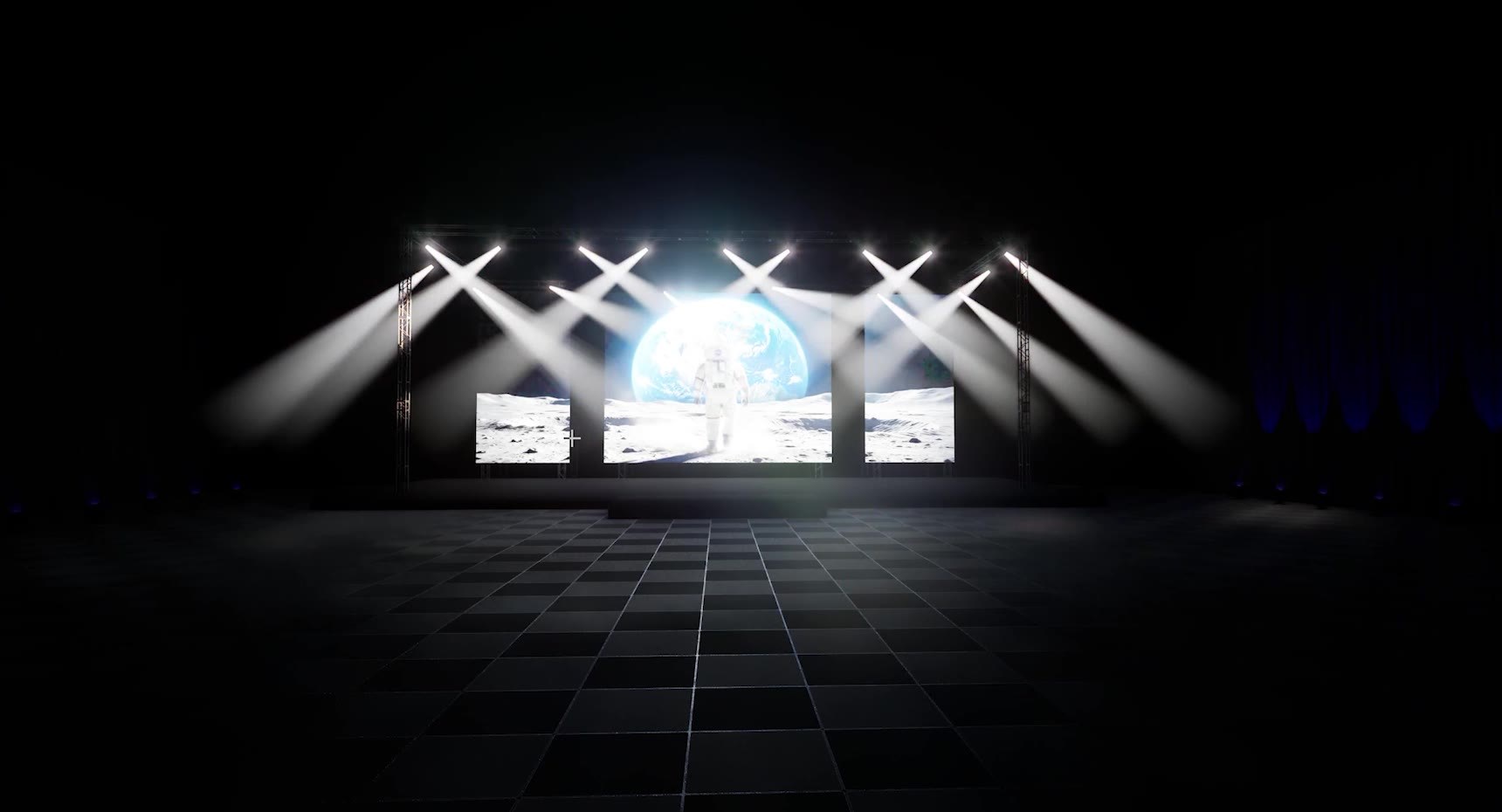
Crossed beams
Both hands apart, beams open.
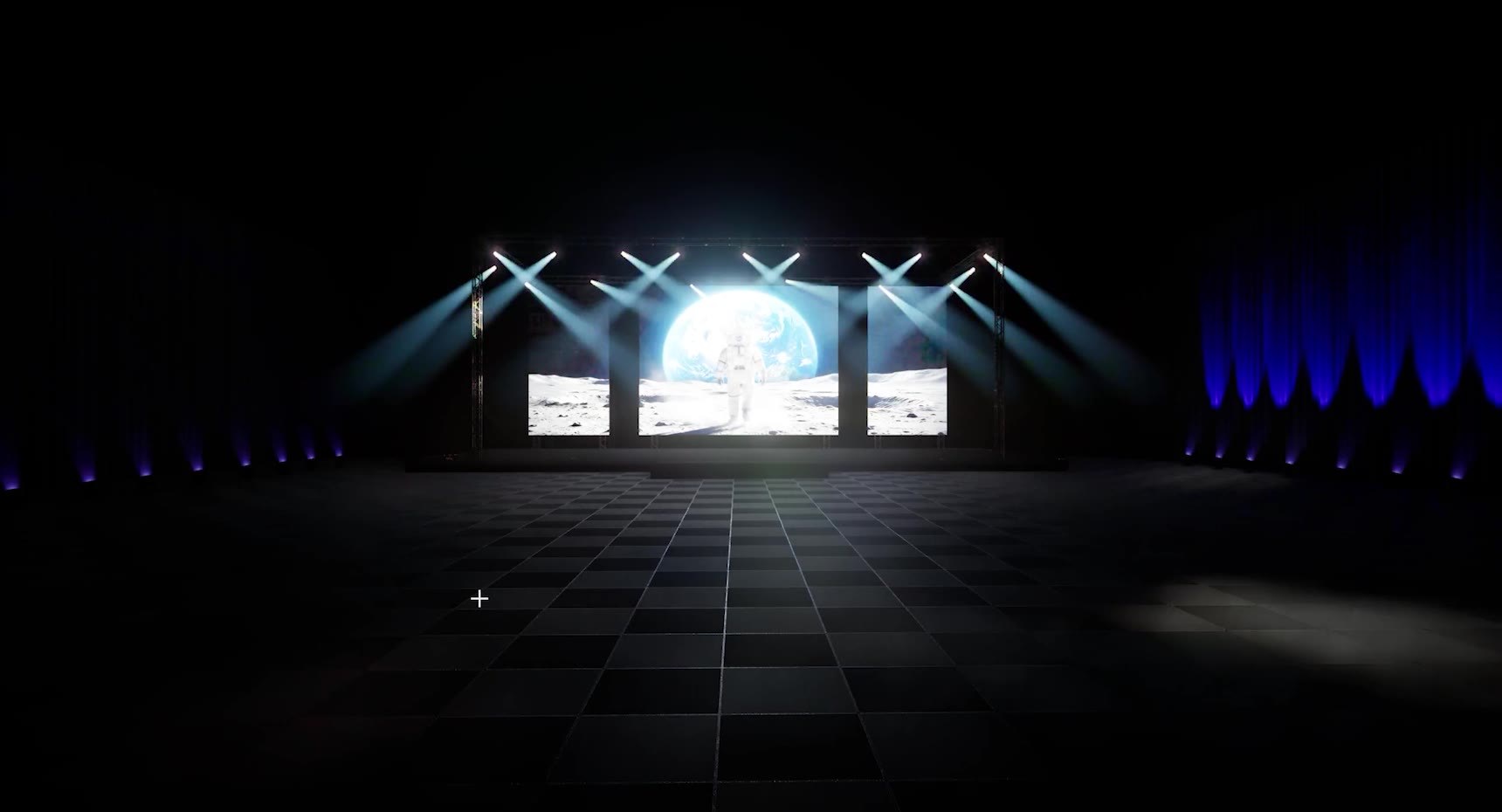
Warm fan
Colour and angle change on the fly.
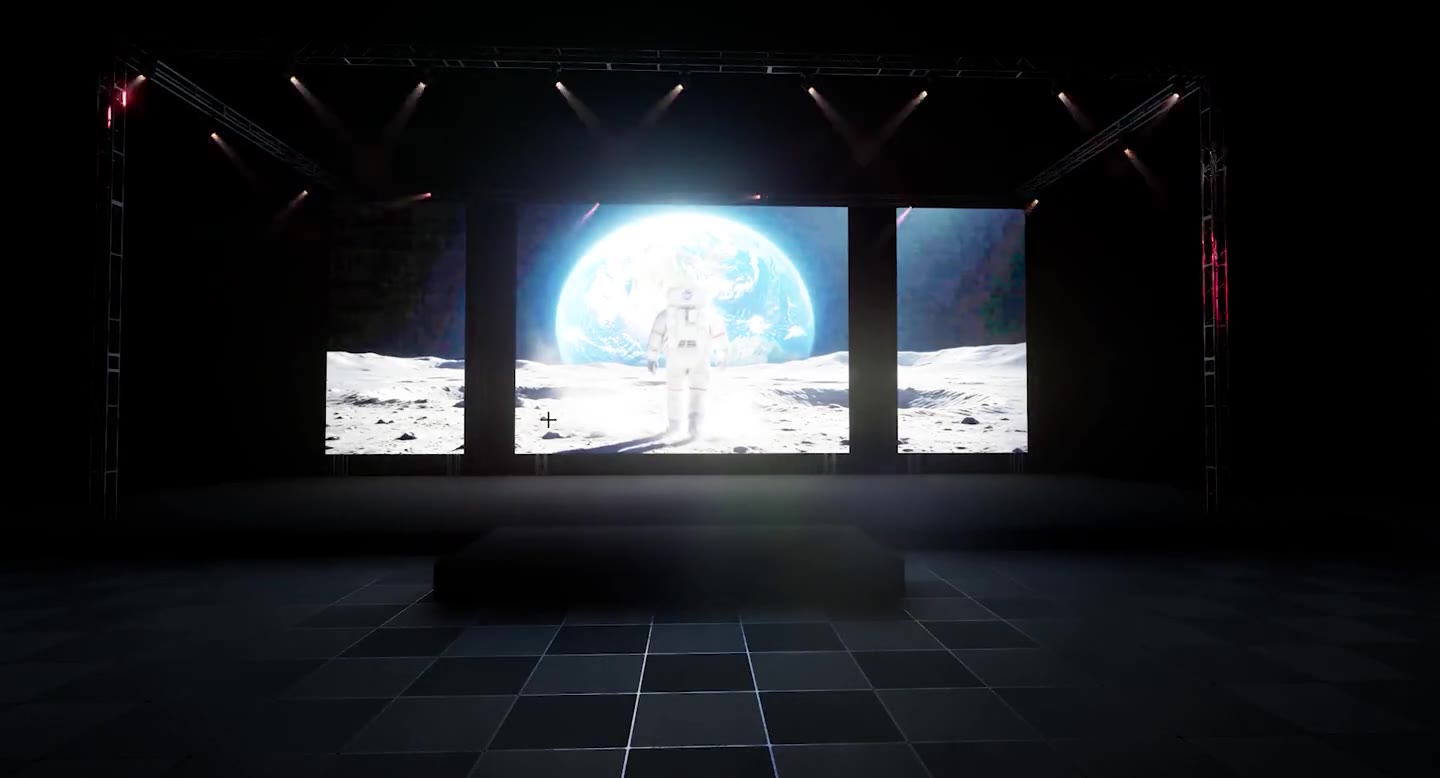
Green wash
The same rig, a different gesture.
The full breakdown
goes on the channel.
The node setup in TouchDesigner and the DMX patch in Unreal Engine, step by step.